
A maths game that explains the mistake
An iPad game for children following the British school curriculum, Reception to Year 3 (roughly ages 4 to 8). Maths and logic, in English or Lithuanian. When an answer is wrong, the owl shows with a picture what happened and lets the child try again.
In testing now Not on the App Store yet.
- No ads
- No accounts
- Works offline
- No data collected


Hi! I'm the owl. Let's play maths together!

How a child plays
A parent sets the game up once and hands the iPad over. From there the owl leads.
-
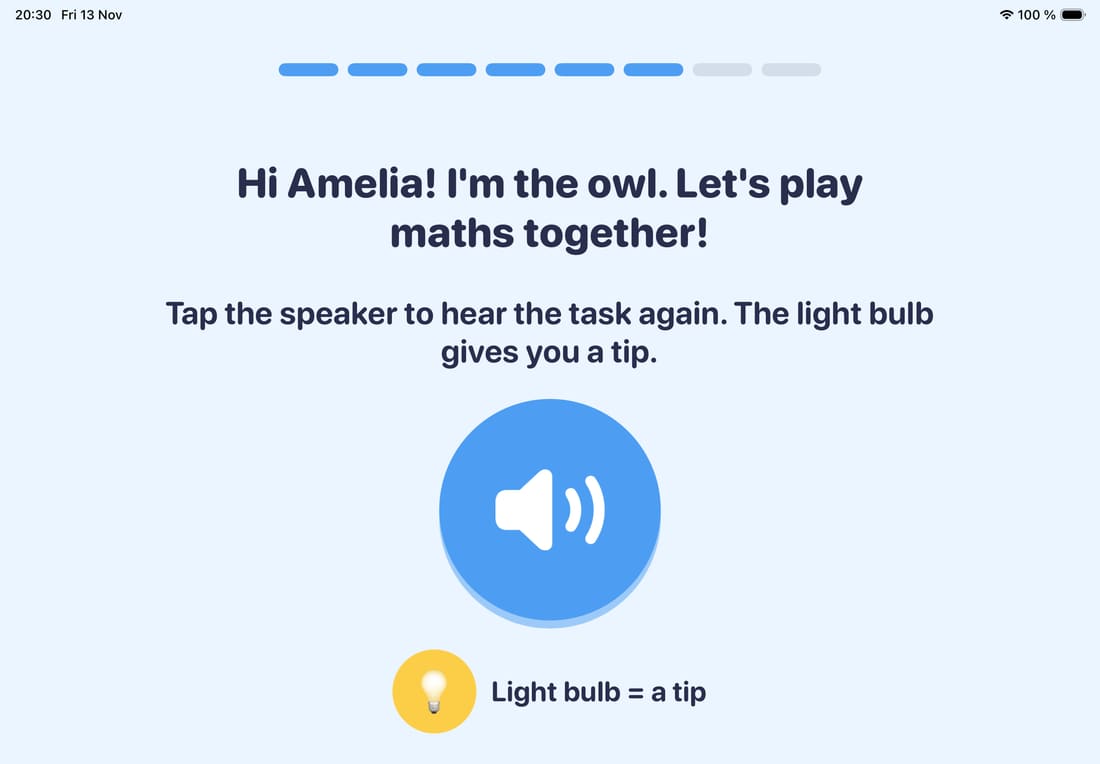
The owl says hello by name
You type your child's name. If it is on the game's list of names, the owl says it out loud. If not, the name is shown on screen. In Lithuanian the owl's lines also follow whether the child is a boy or a girl.
-
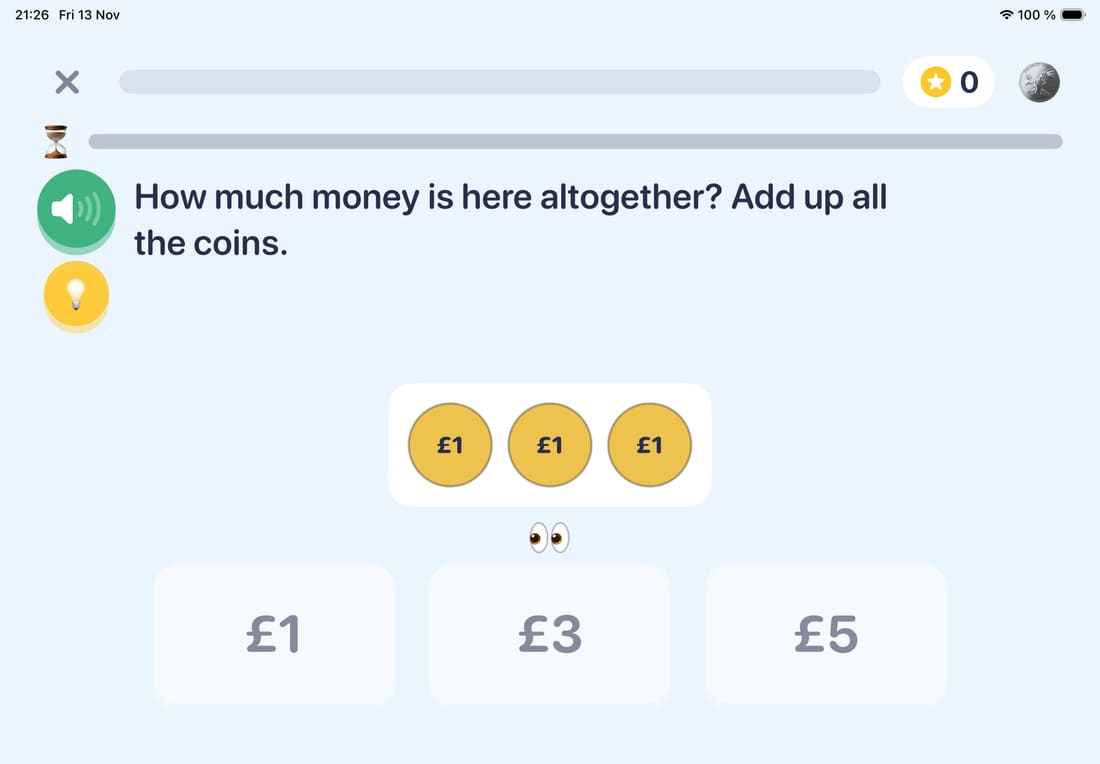
Every task is read aloud
One game is five tasks. The owl reads each one aloud and the speaker button repeats it. The light bulb gives a tip. Younger children pick from a few answers, older ones type the number themselves.
-
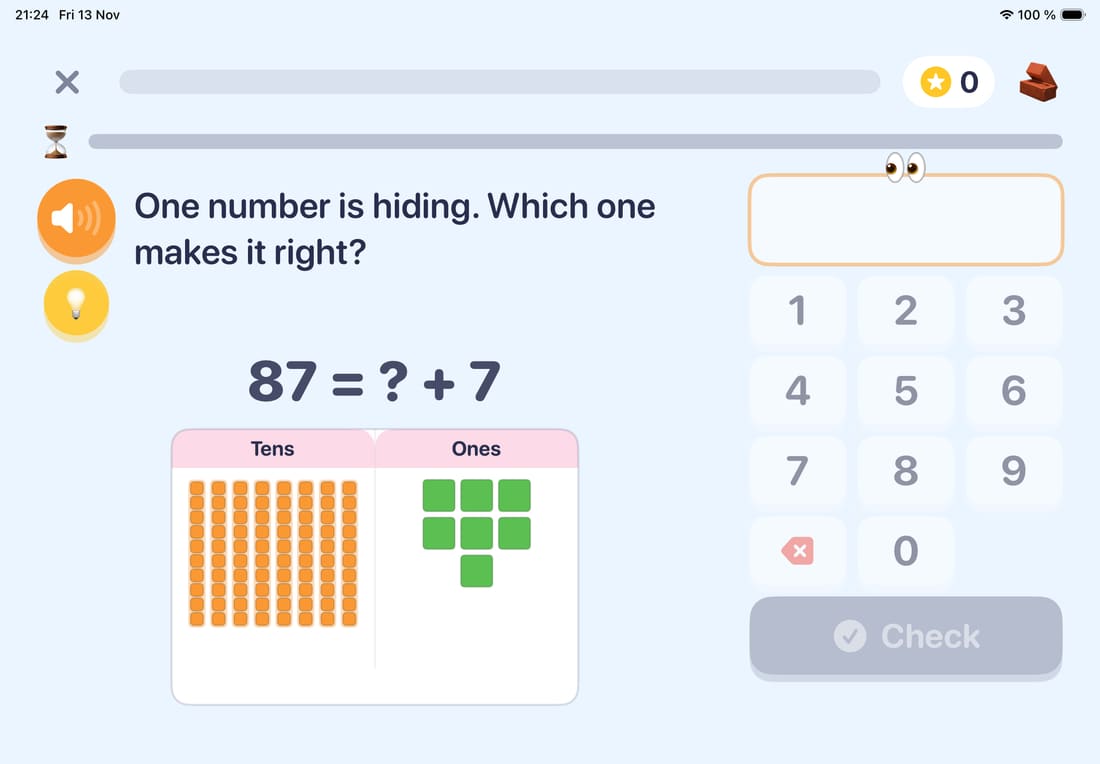
The level climbs with the child
Every topic has ten levels. When things go well, the tasks get harder. Good answers earn stars and badges.

When an answer is wrong
The game does not stop at "wrong". It works out which mistake it was and explains that one.
It spots the mistake
For example 1 + 2 = 12: the numbers were written side by side. Or 12 and 20 mixed up, or two digits swapped.
It shows it with a picture
The child's answer is crossed out, and next to it the way to the right one is shown step by step.
It checks the child understood
After the explanation comes a task of the same kind with different numbers.
What's in the game
On the home screen the child picks maths or logic. Each has its own path, levels and stars.
Maths
Reception, Year 1 and Year 2 share twelve topics, Year 3 has twelve of its own. Each topic has ten levels.
Reception, Year 1, Year 2
- Look-alike numbers
- Counting
- More or less
- Numbers
- Add and take away
- Tens and ones
- Twos, fives and tens
- Shapes and patterns
- Halves and quarters
- Times and sharing
- Coins
- The clock
Year 3
- Numbers to 1000
- Counting in steps
- Adding and subtracting
- Times tables
- Fractions
- Number lines
- Money
- Time
- Measuring
- Shapes
- Charts and tables
- Word problems
Logic
Six topics, all made of pictures. The levels climb the same way as in maths.
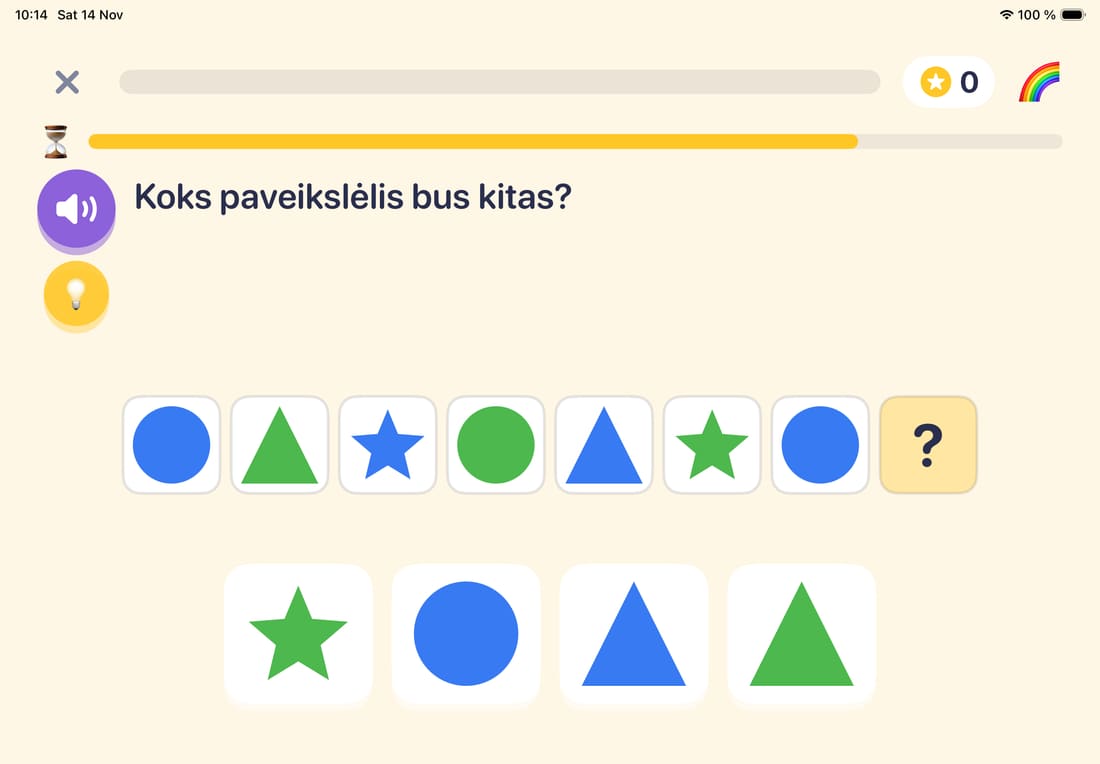
What comes next?
A pattern repeats. Which picture comes next?
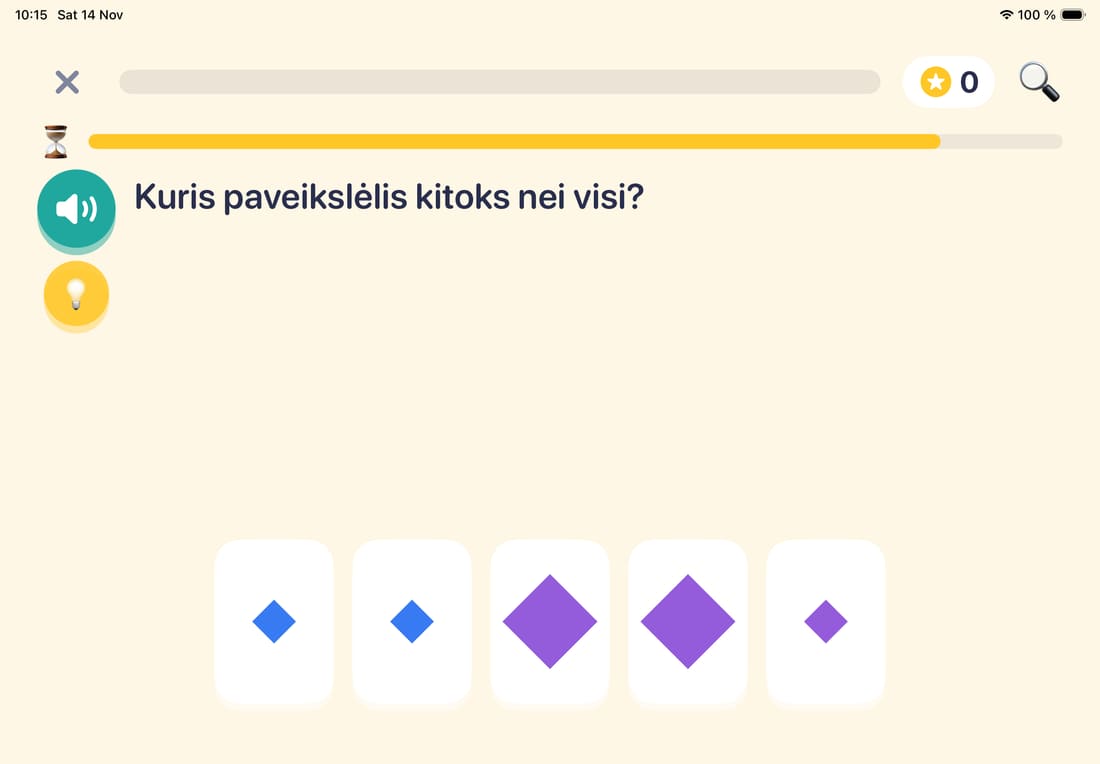
Odd one out
One picture does not belong with the others.
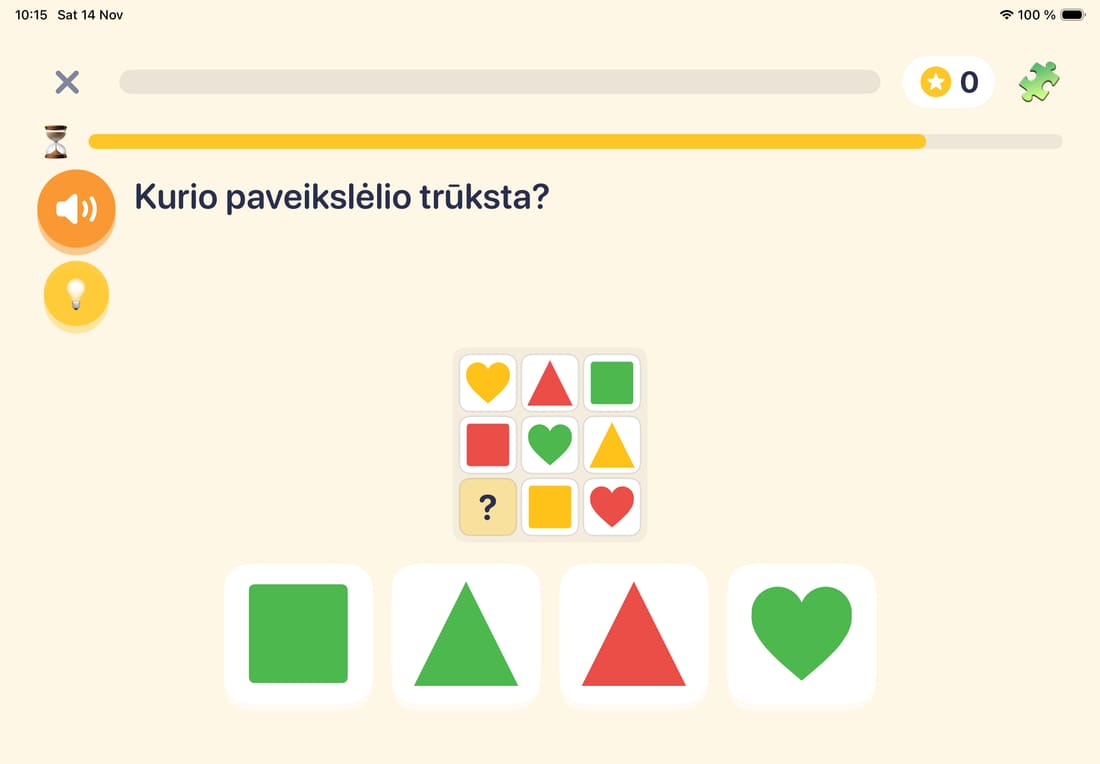
Picture grids
One square of the grid is missing. Spot the rule.
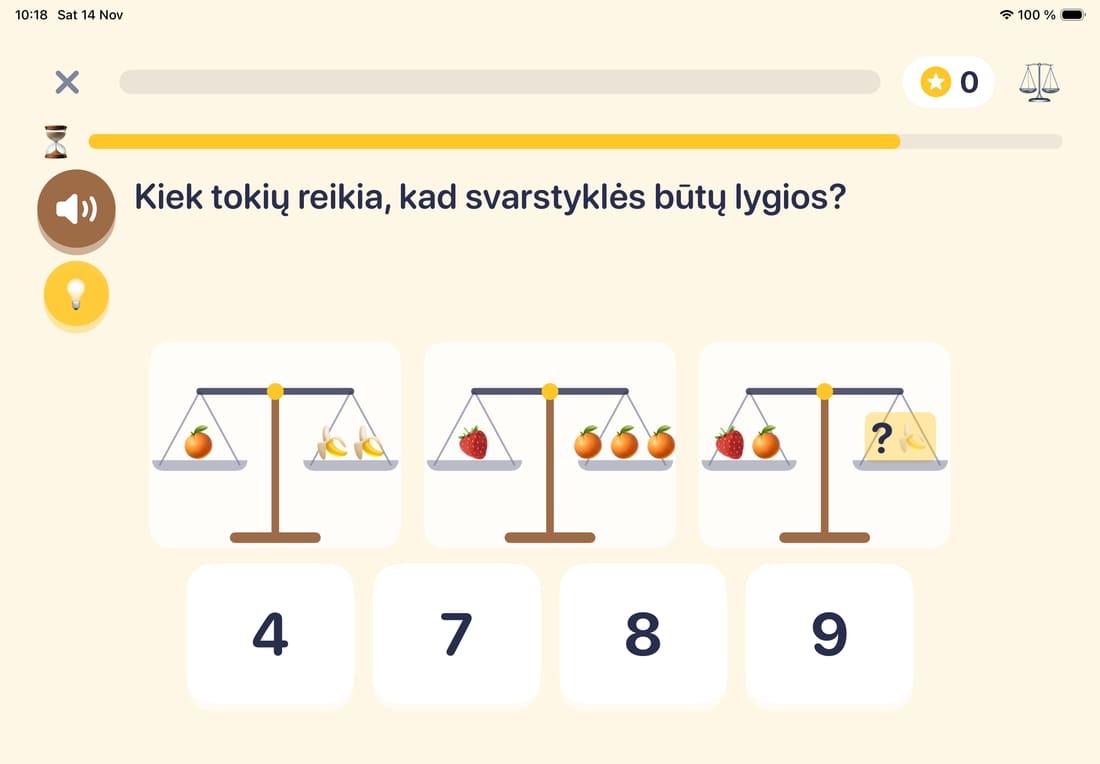
Balance scales
Which is heavier? How many does it take to make the scales level?
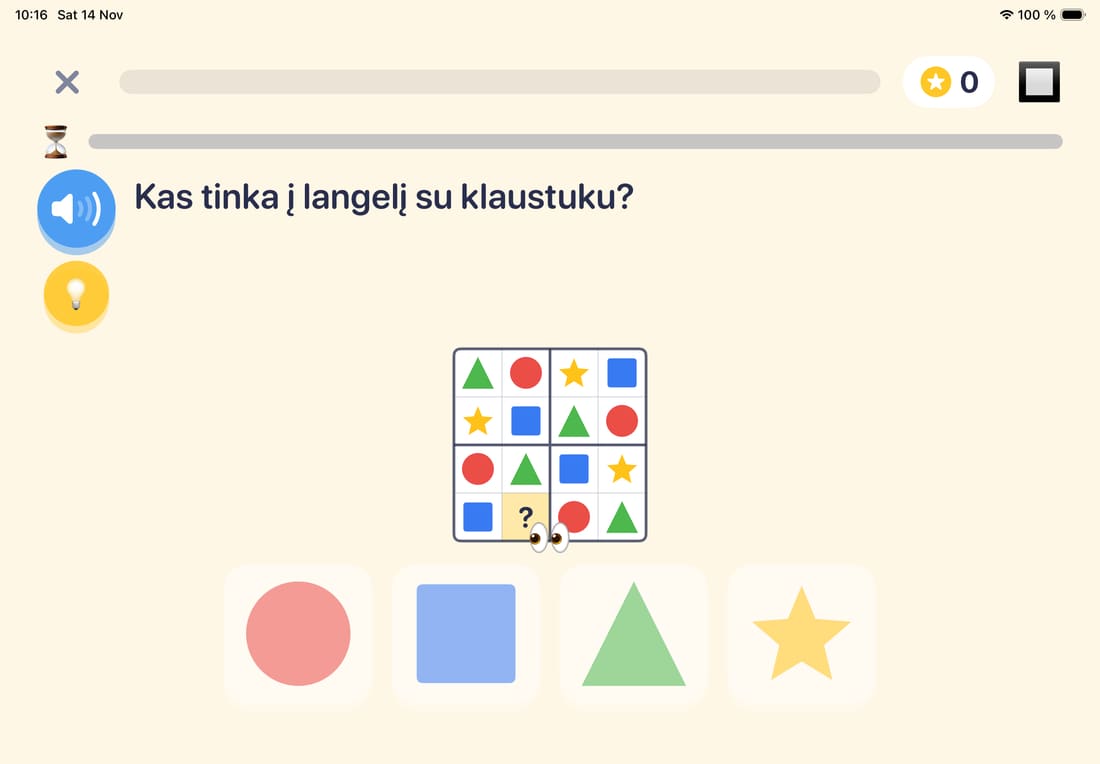
Mini sudoku
Rows of four squares with pictures, later with numbers.
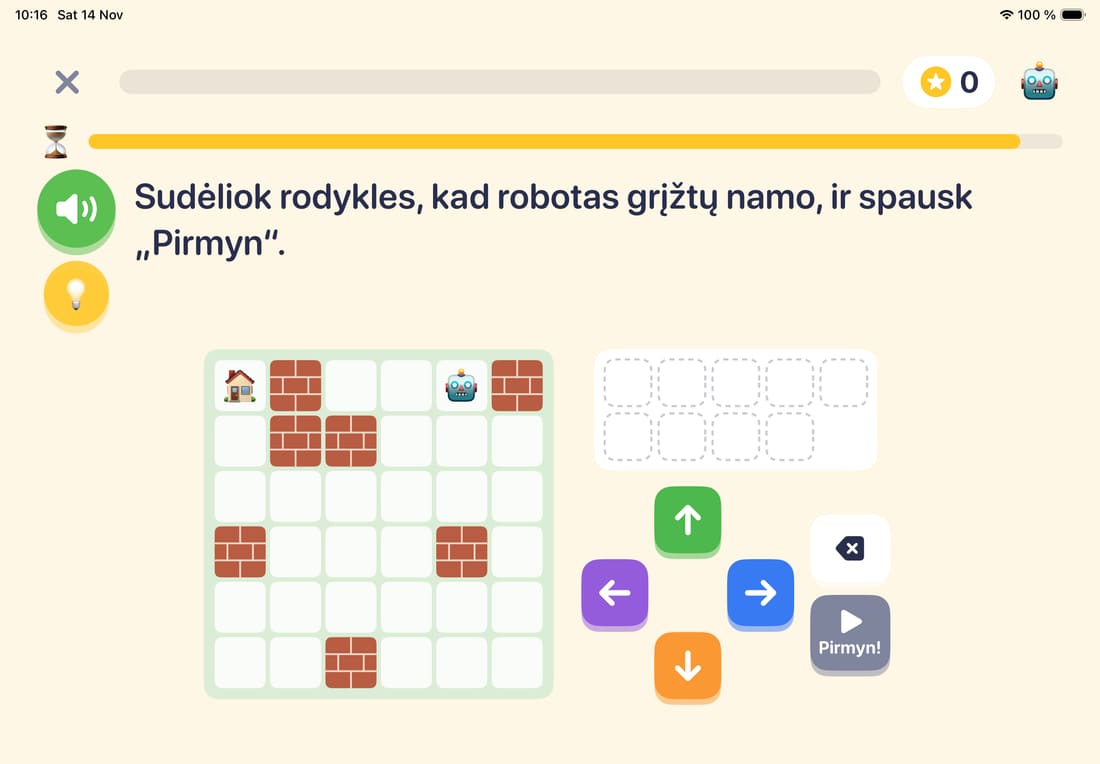
Robot paths
The child lines up arrows to walk the robot home.


These screens are from the Lithuanian game. The English game has the same puzzles.
Who it is for
The tasks follow the British school curriculum. A parent picks the school year, and that decides where the child starts. The year can be changed later: nothing is lost, each year keeps its own levels.
Two languages
The game speaks British English or Lithuanian. The English game counts money in pounds and pence, the Lithuanian one in euros and cents.
- Receptionage 4–5
- Year 1age 5–6
- Year 2age 6–7
- Year 3age 7–8
- Year 4coming
- Year 5coming
- Year 6coming
What a parent controls
The parent screen opens when you hold the gear button, so a child will not land there by accident.
- The child's profile
- Language, name, boy or girl, school year. All of it can be changed later.
- Play time
- You set how many minutes of play are allowed and how long the break after it is. If time runs out in the middle of a game, the child still finishes it.
- Progress
- You see the level in every topic, how much has been played and where the child slips most often. Maths and logic are shown separately.
- Privacy
- The game works offline. It has no ads and no accounts, and it collects no data. Progress is kept on the iPad only.

Where the game is now
The game is still in testing and is not on the App Store. When it is, the link will be on this page.
Tasks for Year 4, Year 5 and Year 6 are coming.